小苹果园
标题:
Vectoraster for Mac 7.2.0 破解版 - Mac优秀的栅格图案和半调图绘制工具
[打印本页]
作者:
jingjing
时间:
2019-7-27 18:20
标题:
Vectoraster for Mac 7.2.0 破解版 - Mac优秀的栅格图案和半调图绘制工具
摘要:Vectoraster是一款Mac上的一款用于创建基于矢量图的栅格图案以及基于位图图像的半调图的工具,支持导出为EPS、PDF、TIFF等格式,非常实用的一款图像处理工具。
Vectoraster是一款Mac上的一款用于创建基于矢量图的栅格图案以及基于位图图像的半调图的工具,支持导出为EPS、PDF、TIFF等格式,非常实用的一款图像处理工具。
[Vectoraster 在官网上售价39美元,约合人民币240元]
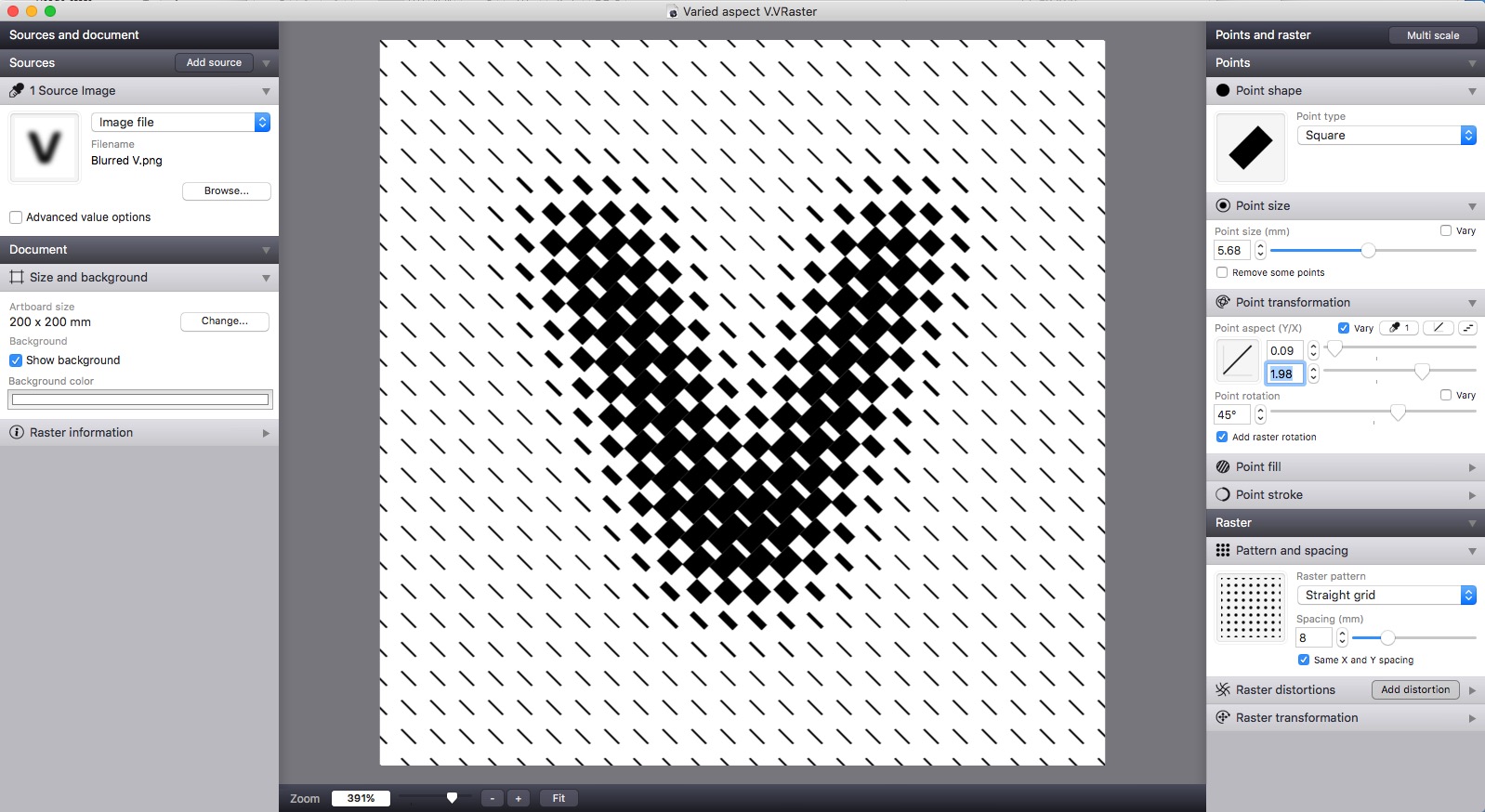
Vectoraster for Mac 7.2.0 介绍Vectoraster是一种图形工具,用于创建基于矢量的光栅模式和基于图像或梯度的halftp模式。光栅模式和点形状可以在不同的模式下改变和变化,从而产生许多不同的风格。所得到的光栅总是显示,在您更改参数时实时更新。结果可以很容易地导出为矢量,作为EPS或PDF文件,如图像到JPEG、PNG或TIFF,或简单地复制粘贴到大多数图形软件中。
你可以试用矢量,但也有一些限制。要消除这些限制,并获得完整版本,您必须为应用程序付费。
FeaturesGeneral
Many different point shape types, including circles, polygons, font characters and imported custom vector shapes or images
Detailed control of how you want point shape, transformation and color to vary over the raster
Base how the raster points vary on source images, gradients you define live in Vectoraster, or a combination
Advanced line-raster mode with lines of varying width instead of points
Patterns
Many different raster patterns with detailed control of how the points are placed.
Easily rotate and offset the raster pattern, and add multiple distrotions like waves and twists.
Output
Copy raster output and paste it straight into most vector graphics software.
File export to EPS and PDF for vector output, and JPEG, PNG and TIFF for bitmap.
Export point data (location and size) to a CSV file for further CAD or other processing.
v7.2.0版本新功能Version 7.2.0:
New Text-source type, letting you generate type-source images with your choice of text, font, etc.
New interface icons and improved help and support tools in the Help menu
VRaster files now get thumbnail icons for use in Finder when saved (can be turned off in the settings).
New setting to change the interface background color
Vectoraster for Mac 7.2.0 下载
高速下载
[pan=https://pan.baidu.com/s/1xUyVYDUo5EohepHTFp0DGw]菁菁社区||30[/pan] 菁菁苹果园 bbs.lingsky.com
欢迎光临 小苹果园 (http://bbs.lingsky.com/)
Powered by Discuz! X3.4