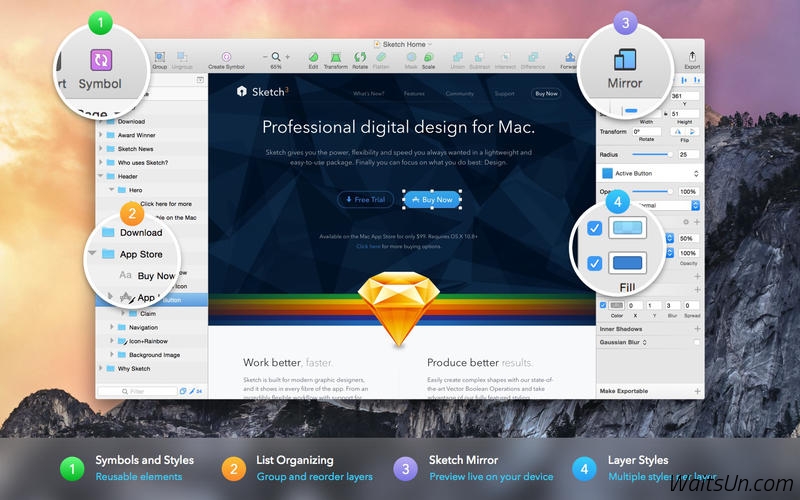
You can now define how layers within groups and Symbols should move/resize when the user resizes a group or Symbol
Introducing the first version of Sketch Cloud (Beta) — a free service that lets you upload Sketch documents and share them with the world
Other Enhancements
Adds the ability to right-click any layer to replace it with an instance of an existing Symbol
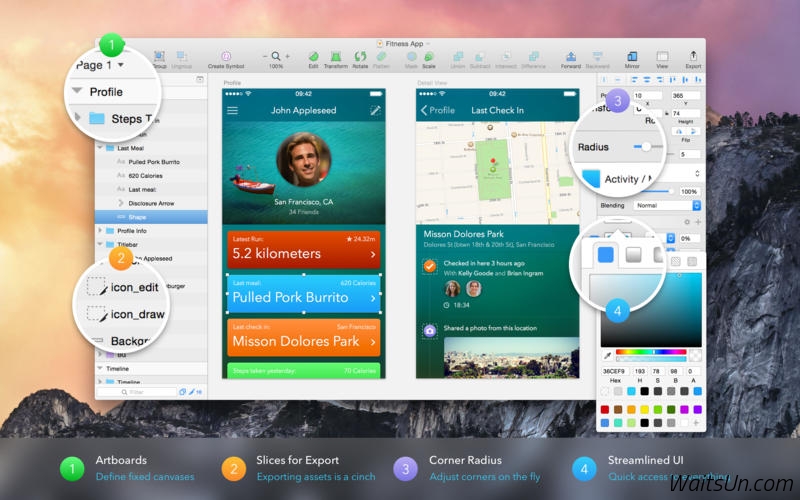
Adds the ability to quickly switch between Artboards using the fn+left/right arrow keys
Adds the ability to specify the scale origin in the Scale sheet, whereas previously it always scaled from the center
Detaching Symbol instances now avoids creating unwanted nested groups
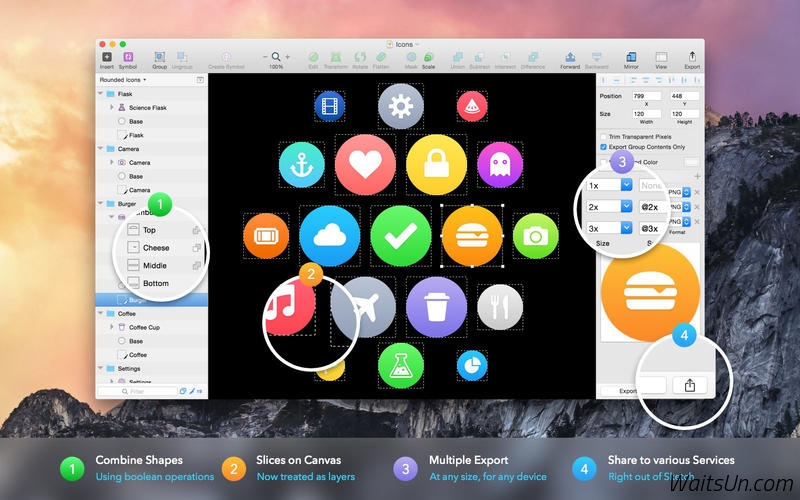
When exporting Artboards to PDF, Sketch now exports Artboards in a left-to-right Canvas order. Check the Preferences to adjust this
Inserting PDFs via Insert > Image… now respects the preference for whether they should be parsed as a bitmap or vector
Image fills on layers can now be set to “Fit”
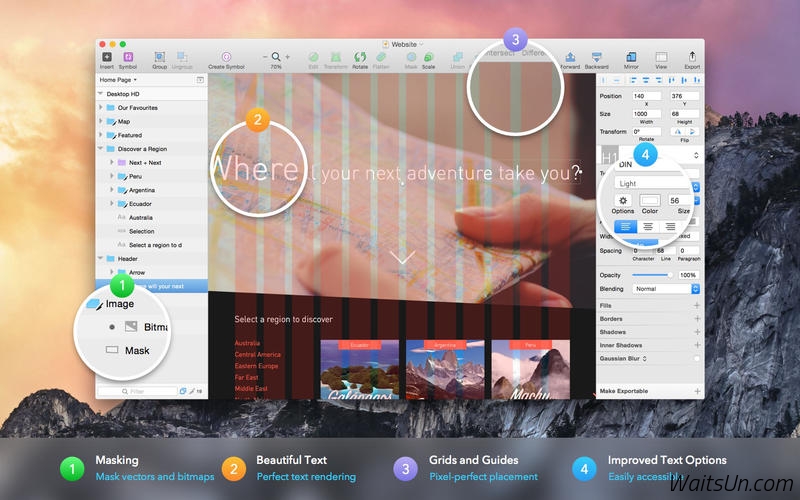
Simplifies how Sketch deals with text layers; resizing from the bottom no longer increases the font size and when resizing text in a group, the font size is no longer scaled up
Text pasted into a Sketch text layer, or on the Canvas, is now always stripped of whatever styling it contained
Right-aligned text layers in Symbols with overrides now also move their trailing layers to make room for the overrides
Improves setting opacity via the keyboard. You can now specify values like '96' whereas previously this would have resulted in first 90% and then 60% opacity
Improves appearance of right-aligned Text Styles in the Inspector
Minor improvements to SVG Export, specifically to font recognition
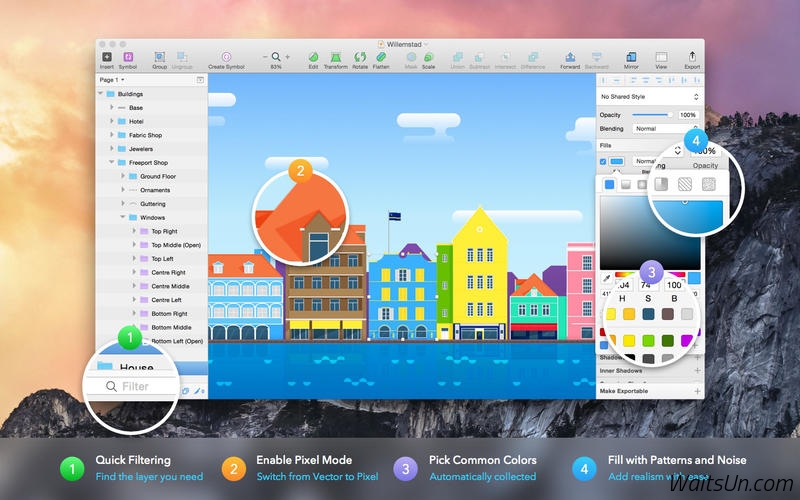
The Hex field now has key focus when opening the color picker
Option-dragging to duplicate a layer now puts the layers in the expected order; the duplicate is moved and the original is left where it was
Outlining a stroke now merges overlapping points in the new paths
Layer selection now ignores parts of a layer that are hidden by another mask
It is now easier to select overlapping Slice layers using the Command key
Automatic click-through is applied to all groups when the Layer List is set to show Slices only
When moving the cursor over the Canvas, the modifier highlight instantly appears when holding Option, Command etc.
The Arrange menus are now smarter in that they move content forward/backward even if some of the layers are already at the front
When rotating a layer, the X and Y values in the Inspector are now updated immediately
Reduce File Size will now compress the size of images, resulting in a smaller file size
Trailing layers will no longer move when locked, if the text override value is edited



 请点击此处下载