摘要:Alfred是Mac上最好用的快速启动工具,修复了大量问题,Alfred能够让我们使用键盘去完成应用的搜索和启动、信息的本地和Web搜索、查询字典、剪切板查看、系统控制等等功能,简单易用,能够大大提高使用Mac的效率。
Alfred是Mac上最好用的快速启动工具,修复了大量问题,Alfred能够让我们使用键盘去完成应用的搜索和启动、信息的本地和Web搜索、查询字典、剪切板查看、系统控制等等功能,简单易用,能够大大提高使用Mac的效率,此外,Alfred还具有大量扩展插件可以安装,Powerpack增强包提供了很多优秀的功能,绝对是高效率使用Mac的必备工具。
[Alfred 可以免费使用,但Powerpack功能增强包在官网上售价17欧元,约合人民币170元]
Alfred Powerpack 3 for Mac 3.2 介绍Alfred 这是一款被称之为Mac效率神器的App,有了Alfred你甚至无需鼠标就可以实现各种操作,包括出发各种文件、网络操作,其UI界面使用方便,而且不是通过命令来实现,是开发者们和键盘刘童鞋们的神器,比之此前类似的软件——Pack和Power来说完全是秒杀的节奏。
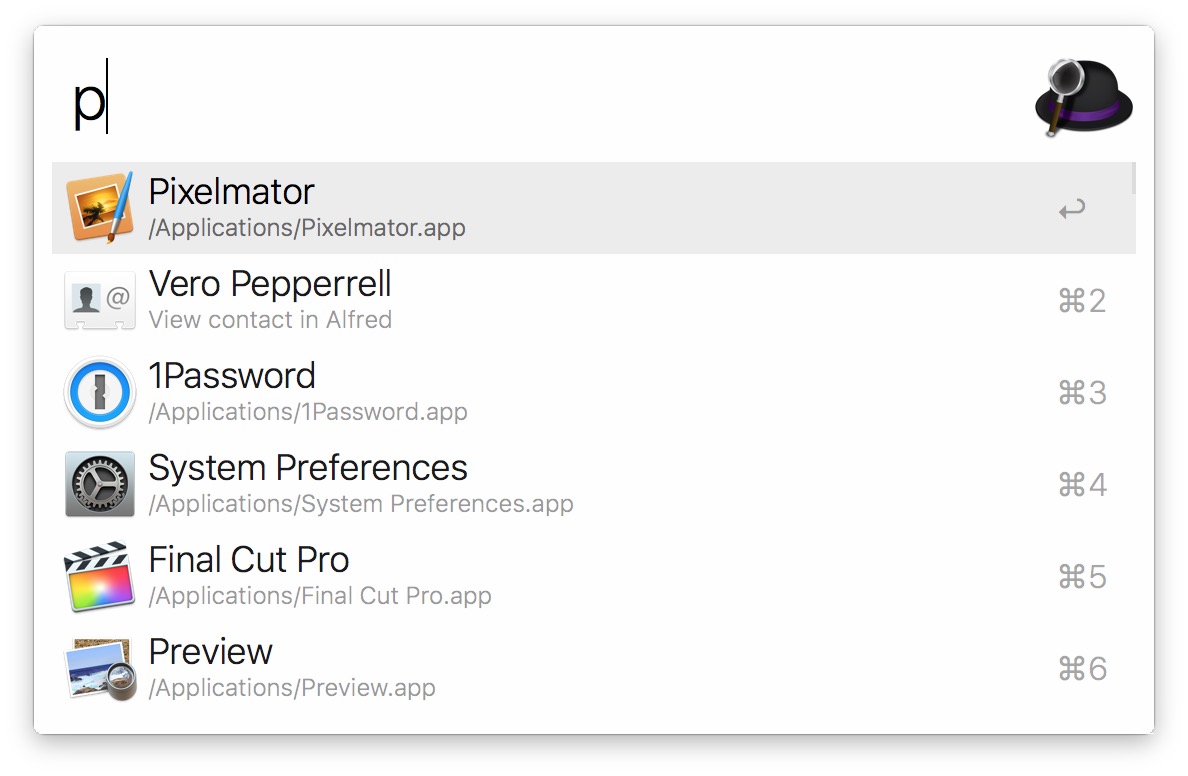
Alfred is an award-winning productivity application for OS X. Alfred saves you time when you search for files online or on your Mac. Be more productive with hotkeys, keywords, and file actions at your fingertips.
Loads of app-launching, file-searching goodness - free for you to download and use with no strings attached. Alfred is the ultimate productivity tool for your Mac. Get it and see for yourself.
Get the Powerpack. Discover the Powerpack, a set of incredibly powerful features, built on top of the robust core of Alfred and integrated with OS X.
Single license: 15 pounds (GBP) for single user
Family license: 25 pounds (GBP) for 5 users under one roof
Mega Supporter: 30 pounds (GBP) Single User with Free Lifetime Upgrades
What’s NewVersion 3.2: Note: If you're using version 2.xx and have the PowerPack, upgrading to version 3.x is a paid upgrade.
Workflows
Improvements to workflow canvas creation usability
Drag from a connection to an empty space to create a new workflow object at that location
Click a workflow output to create and connect a new workflow object to the right
Automatically select any newly added workflow objects to allow for immediate moving or removing by keyboard
Hint on canvas for how to add the first workflow object with an empty workflow
Script Filter enhancements
The script output can now tell Alfred to re-run the script after a set period of time
Scripts can now output variables
Variables are passed through to the object output connections when actioning results
Variables are passed back into subsequent runs of the script within the same session
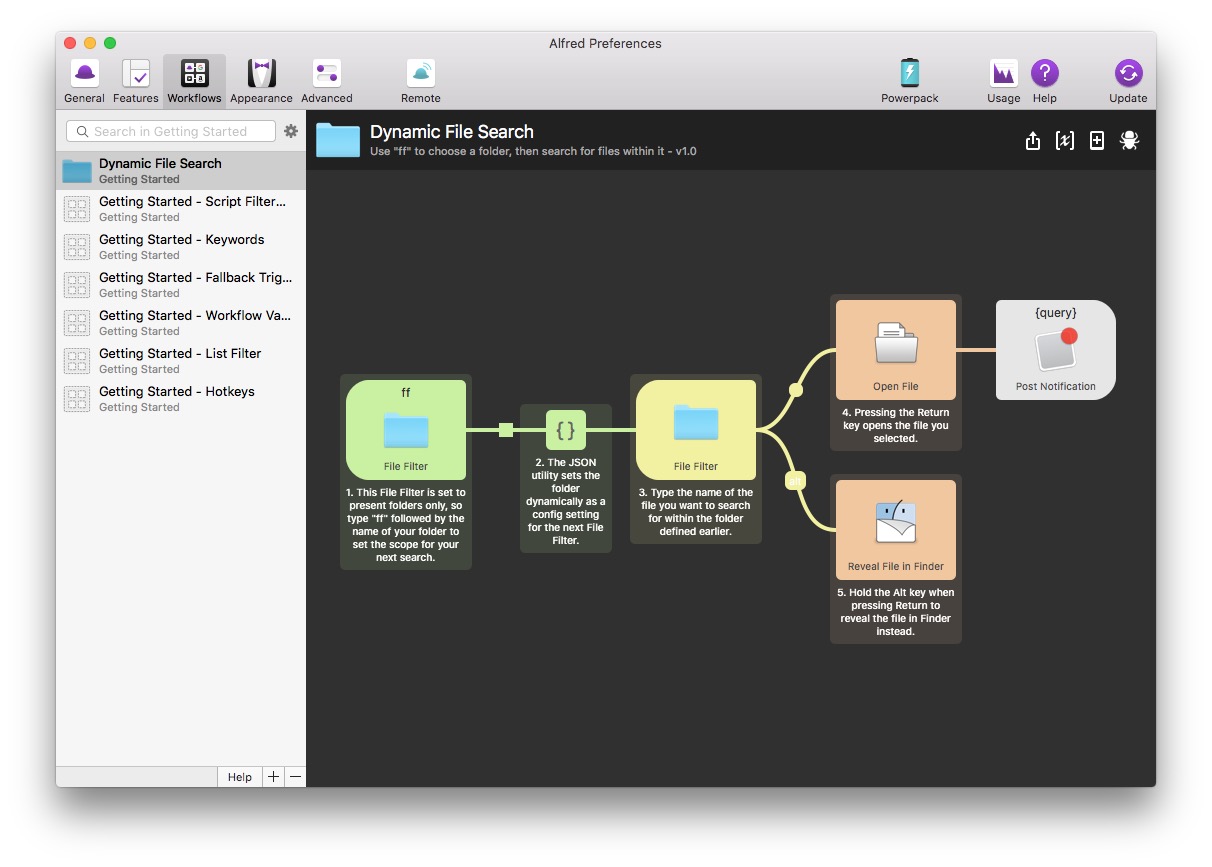
New "Advanced Script Filters" getting started workflow which covers the new concepts
Tidy up default examples when changing script type with no script entered
'quicklookurl' now also accepts file paths and internally converts to file URLs (treated as a file path if it has a / or ~/ prefix)
Fix cleaning stream variables before processing causing variables to be lost on looping workflows
Higher performance processing of JSON/XML to results
Improvements and additions to other Workflow objects
'Hotkey' trigger object can now pass currently focused application through to workflow as a variable allowing for app context filtering
'Copy to Clipboard' output object now accepts {cursor} placeholder to move cursor to selected position (only works when auto-pasting)
Fix issue where corrupted workflow prevented Alfred Preferences Workflows tab from displaying
Improvements for symlinked workflows
Fully resolve path to info.plist before writing to ensure symlinked workflows are written to correct folder
Fully resolve workflow folder before exporting to allow for symlinked workflow folders to be exported
Fix fn+return mod override connection behavior in default results on macOS Sierra
Improvements to built-in Getting Started and Example workflows
Add new "Simple Folder Search" built-in workflow example
Renamed "Script Filter Output" to "Script Filter" for better consistency
Added new "Advanced Hotkeys" getting started guide to cover hotkey active app variables
Updated the "All Workflow Objects" getting started workflow to add new objects
Clipboard and Snippets
Add {cursor} placeholder to move cursor to selected position within pasted snippets (including Alfred Remote)
Show a warning in Alfred's Snippets preferences if an app is preventing text expansion by locking secure input
If using option to slow down key events, slow them a little more than v3.1.1
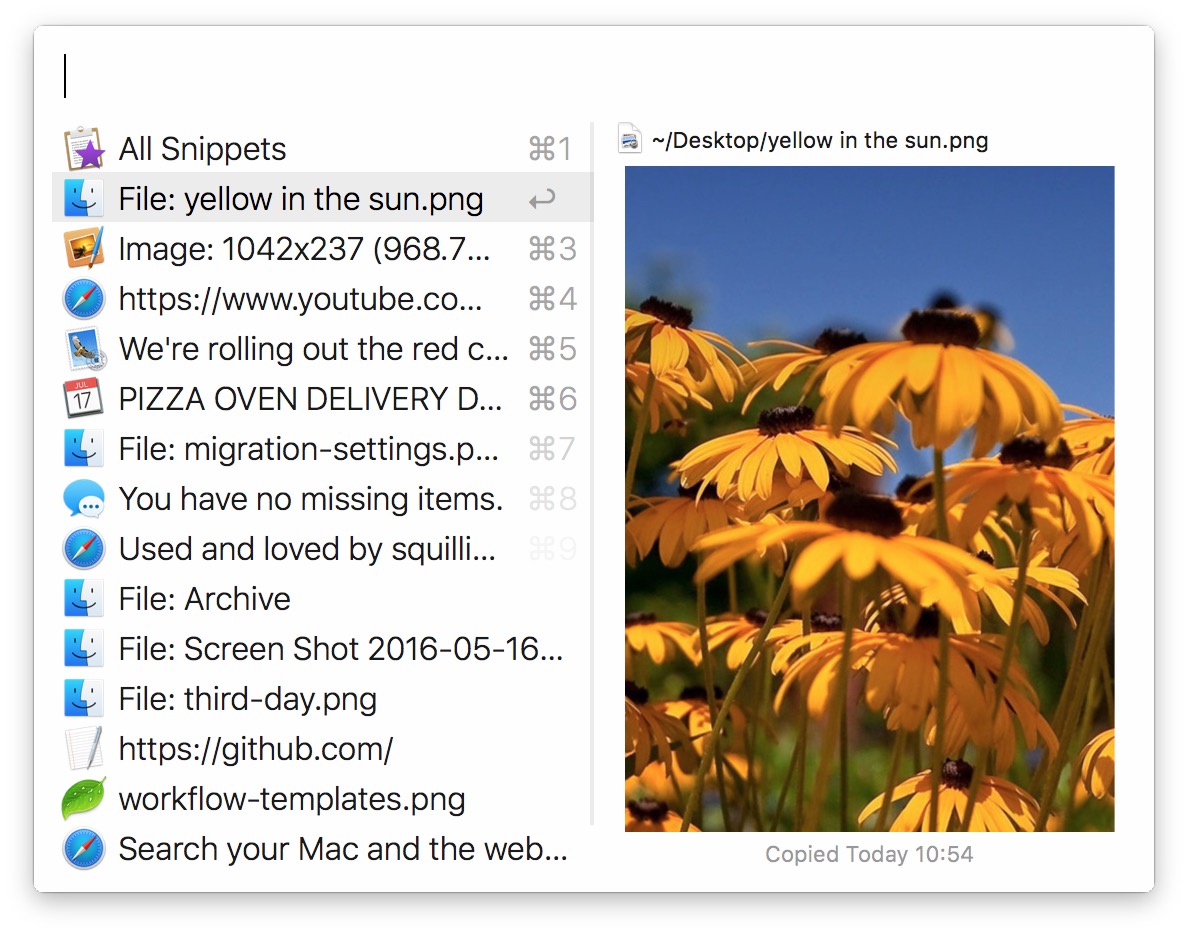
Prevent clipboard merging from incorrectly merging non-text clipboard entries by their description (e.g. images and file)
More efficient processing of snippets in Alfred Text Service
File System
Make Alfred's Application cache also convert names to latin for e.g. pinyin search
Add "Previews" tab under File Search feature
Move Quick Look option from Advanced to Previews
New option to disable rich previews altogether
New options to not load actions/navigation rich previews for specified types and within specified folders
When the rich preview panel isn't required, the selected file type icon is shown instead
Higher performance caching of scope folders when initialising metadata search
Work around macOS file localiation bug (e.g., folders in the home folder weren't correctly localising in search)
Correctly clean up file summary panel after hiding
1Password Integration
1Password integration updated to be compatible with 1Password 6.5+
Alfred now shows results from multiple vaults, including 1Password Families / Teams
All items are now shown from your 1Password
Logins are opened directly in your default browser
Other items (such as Secure Notes) are opened in 1Password mini
General Improvements
Fix navigating out of empty folder behaviour in Copy To / Move To file actions
Make all help subtext throughout Alfred's preferences darker for better readability
Update references of OS X to macOS throughout Alfred and Alfred Preferences
Prevent Alfred's Preferences Appearance tab from unnecessarily switching to discrete GPU on dual GPU laptops
Fix issue where quickly dragging a file out of Alfred's main results could result in the incorrect file being dragged
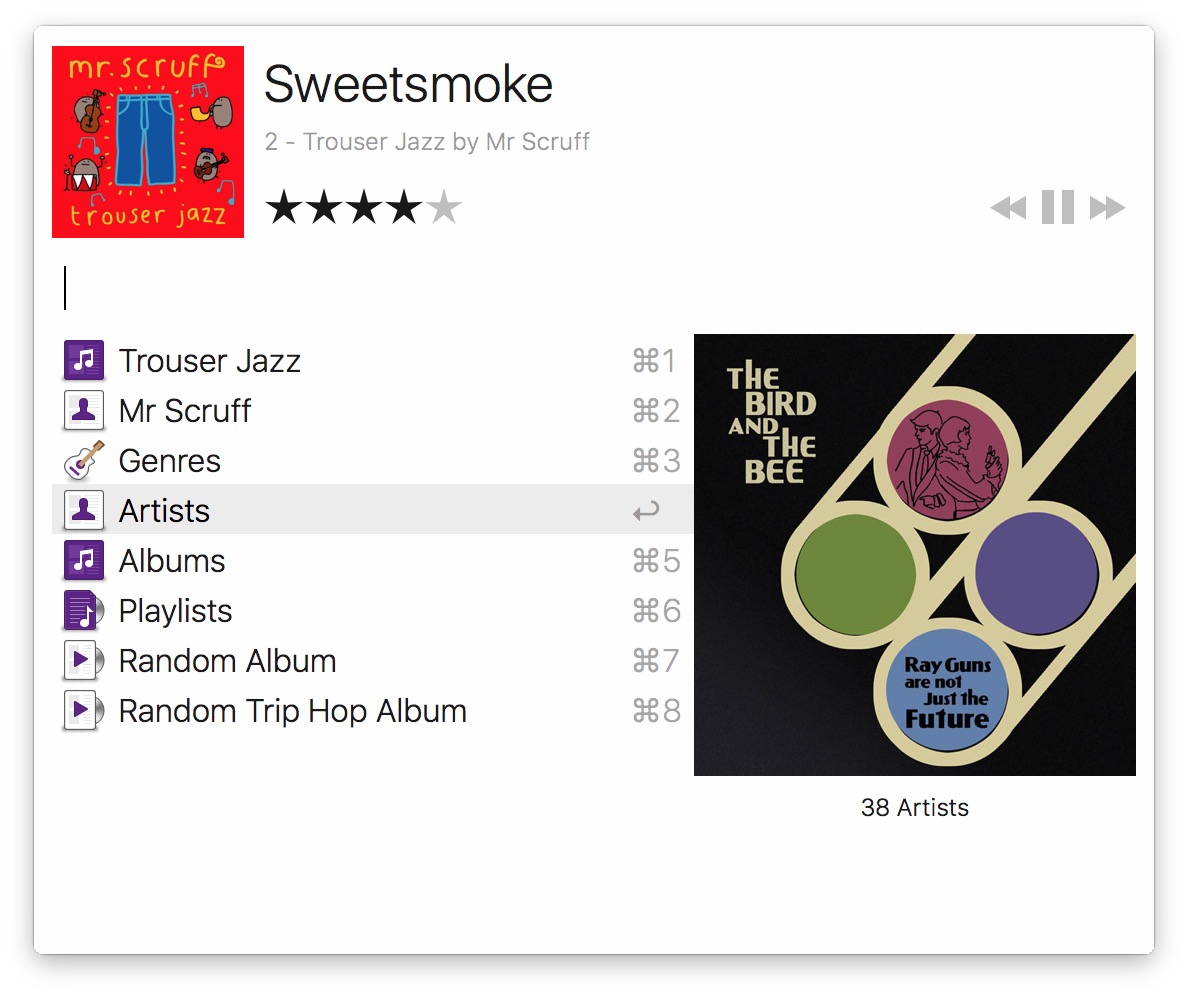
Update iTunes option to ignore movies and tv shows from miniplayer, also ignore music videos
Streamlined various aspects of Alfred's core for higher performance
Fix spelling mistake in Advanced > Proxy settings
Alfred Powerpack 3 for Mac 3.2 下载 高速下载 客服微信coolgps QQ41360481



 请点击此处下载